NOT CURRENTLY WORKING ON ANDROID TV BUT DEV IS WORKING ON THIS AND TORBOX AND SHOULD BE COMPLETE SOON
Debrify is a Torrent search app for Real Debrid that can be installed on Android devices, macOS or Windows.
Debrify allows you to search for torrents, send them to Real-Debrid, then stream/download without bouncing between sites.
It currently offers:
- Smart add mode: auto-detects whether a torrent is a movie, TV season, or other content and adds the matching files in Real-Debrid with zero manual picking.
- Multi-engine search: TorrentsCSV + Pirate Bay toggles, result counts, and sorting by relevance/seeders/size.
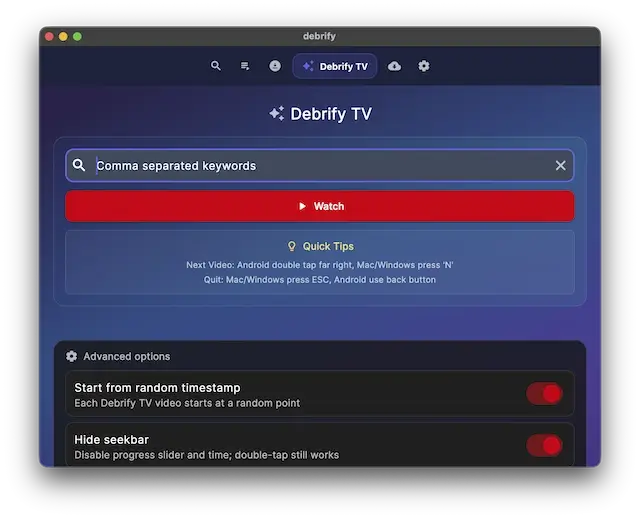
- Debrify TV: lean-back autoplay from keyword rules (Try this prompt in any AI and copy paste the response into the text box to see the magic 'Give me 25 comma separated comedy movies with year of release do not include any brackets'), you can go next by double clicking the far right edge on android or by pressing 'N' in windows/mac
- Episode intelligence: tracks what you’ve watched across seasons, restores where you left off.
- Built-in player: gesture controls, audio/subtitle switching, resume points.
- Download manager & playlists: still rough but handles pause/resume, grouping, and saved Real-Debrid torrents.
- Add magnet: You can add a new magnet directly and the smart file detection will work it's magic and try it's best to add it to real debrid
The code for the app can be viewed on GitHub here
You can download Debrify from Github here
- Protect your browsing data with a verified no-logs VPN
- Encrypt your connection to any Wi-Fi network
- Securely access streaming services & live sports
- 30 Days Money Back Guarantee
Use the link below to find good deals from IPVanish.

- Setup is very simple. Download the apk (android), dmg (macOS) or exe (Windows) file depending on where you want to install it. Download Debrify from Github Here
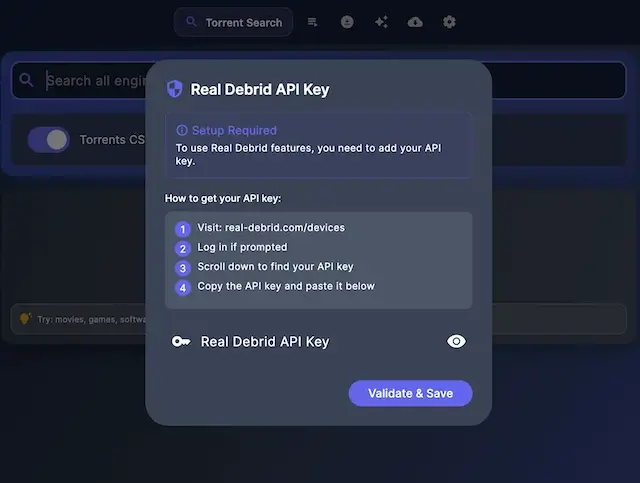
- You will be asked to add your Real Debrid key
- Go to real-debrid.com/devices and copy your key and paste it
- That is all you need to do
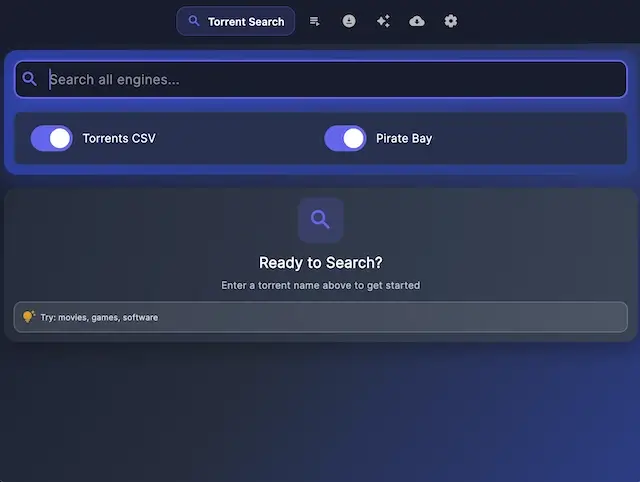
- The first screen you see below allows you to search for a torrent
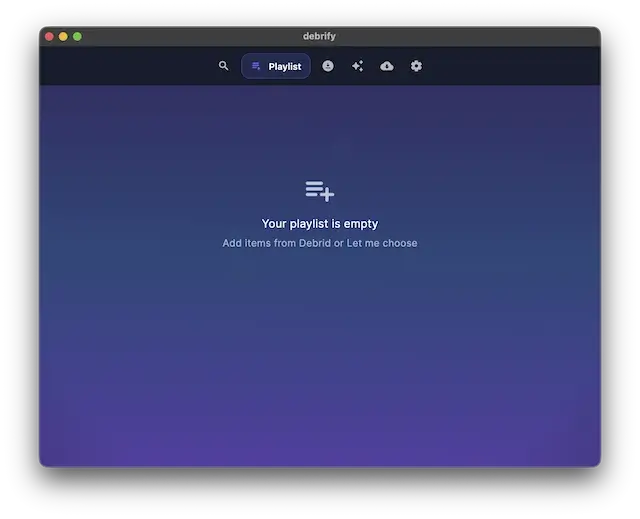
- You can also create a playlist
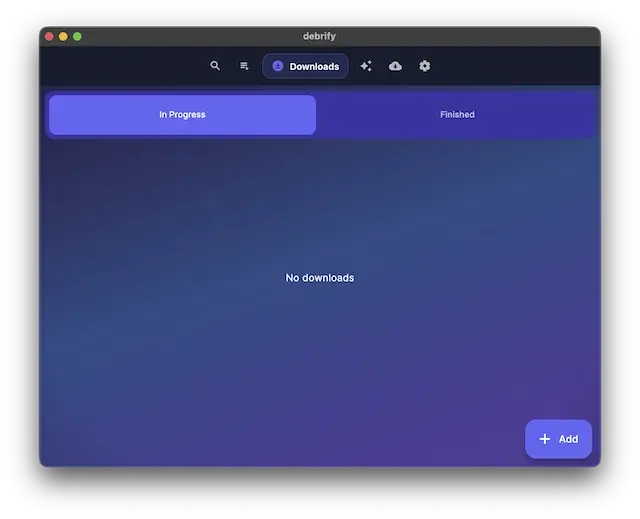
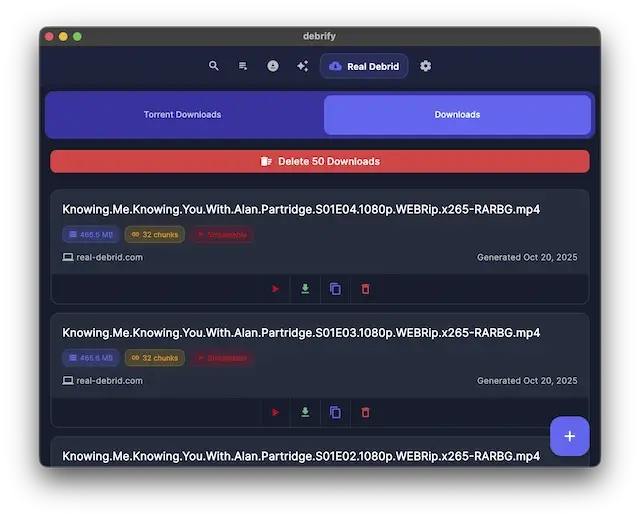
- In the Downloads section are your current and finished downloads
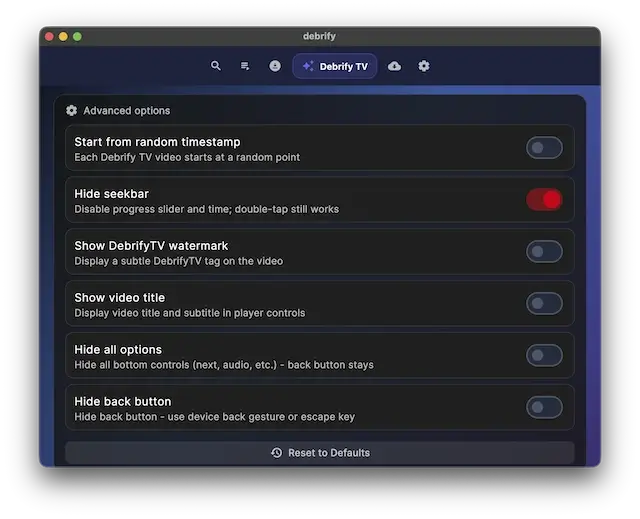
- This is the Debrify TV section (2 images here). You can type in anything and it will search so you can watch anything immediately. But look at the second image and turn off most of the setting like start from random timestamp, and all the HIDE buttons
- Next is the real debrid section that shows the downloads already in your RD downloads sections
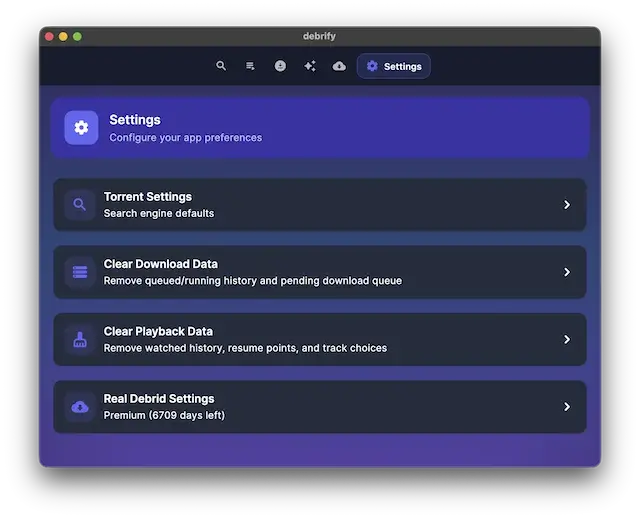
- Finally you have your settings section to tweak to your liking
- Protect your browsing data with a verified no-logs VPN
- Encrypt your connection to any Wi-Fi network
- Securely access streaming services & live sports
- 30 Days Money Back Guarantee
Use the link below to find good deals from IPVanish.

Legal Disclaimer: This tutorial is purely educational. Seo-Michael.co.uk doesn’t own, host, operate, resell, or distribute any streaming apps, addons, websites, IPTV or services. The page contains some unverified services, and we are not certain whether they hold legal licenses to distribute the content. Seo-Michael.co.uk does not verify the legality of each app/service in all regions. Do your due diligence if you use any of the unverified apps/services, and stream only content that is available in the public domain. The end-user shall be solely responsible for the media accessed.
