Certain apps are being removed from Android/Google TV devices. To negate this we need to disbale Google Play Protect. This is a very simple process with just a few steps needed. The first guide is for Anroid TV devices. For Google TV devices scroll down.
How to Disable Play Protect on Android TV Devices
- Open your Android TV device
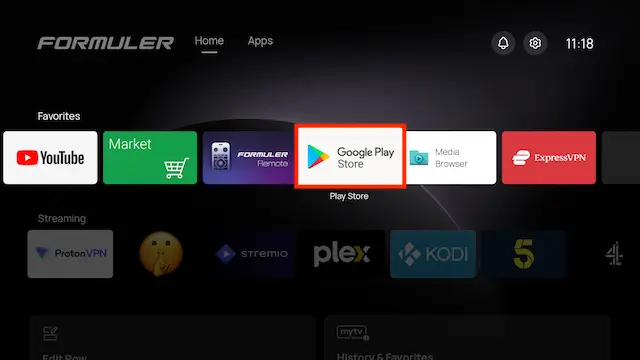
- Select Play Store
- Click on your Profile Picture in the top right
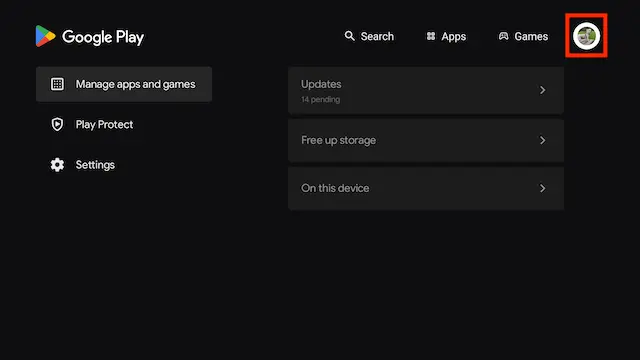
- Select Play Protect
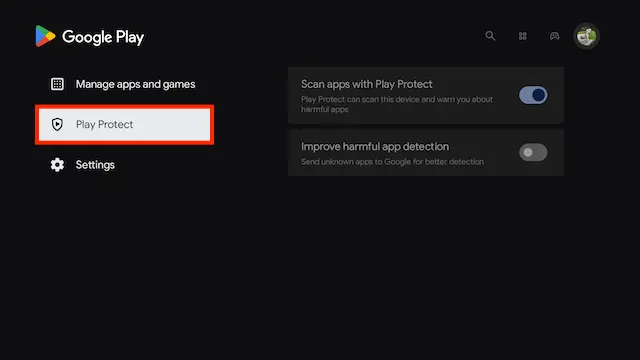
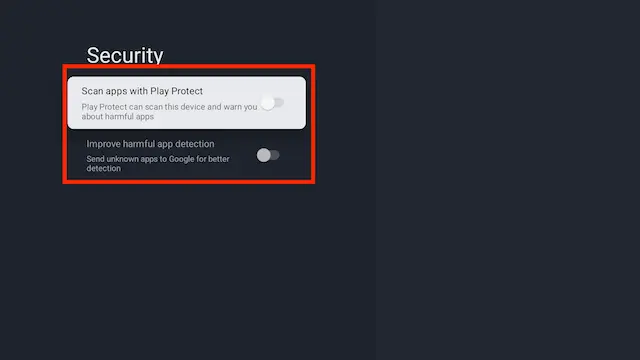
- Ensure both options in here are turned off
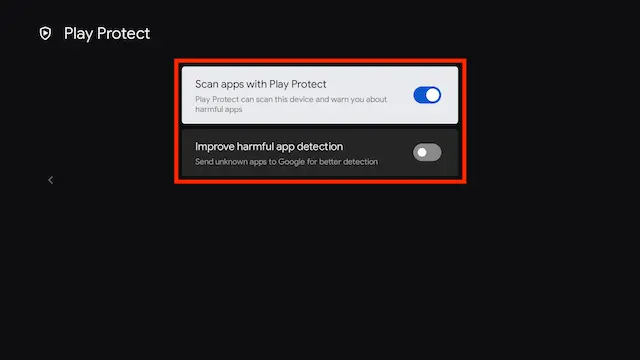
How to Disable Play Protect for Google TV Devices
- Turn your Google TV device on
- Select Settings which can be done by the settings button the remote or by selecting Settings
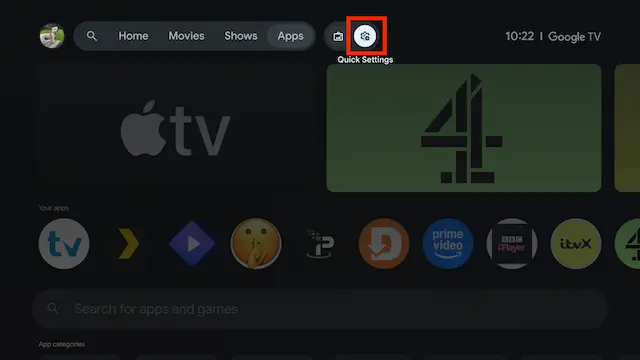
- Select All Settings
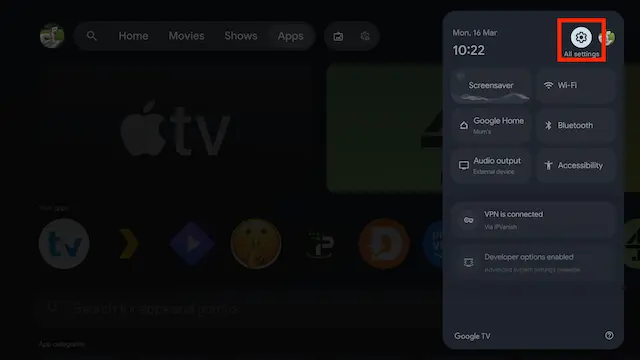
- Select Privacy
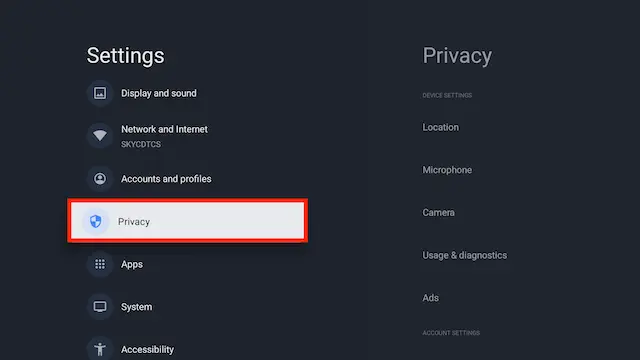
- Select Security
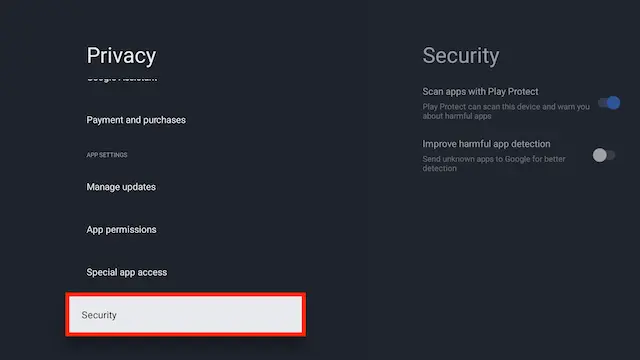
- Disable both settings in here