It is highly advisable to have VLC installed on your device as it always seems to switch to VLC as won't play in EXO
A new Sports add-on for Stremio called Sports Streams is now available to install. Add-on offers Football, Nba, Nfl, Nhl, Mlb, F1, Ufc, Atp, Rug, Pga, Bil, Afl, Pdc, Icc and more
VPN Offers from IPVanish
[Use the link below] to find good deals from IPVanish.

- To configure go to the configuration page here.
- This will take you to the config page where you can join their Discord channel, select if you only want live events to be shown, the sports you wish to see, change timezone and of course install to Stremio
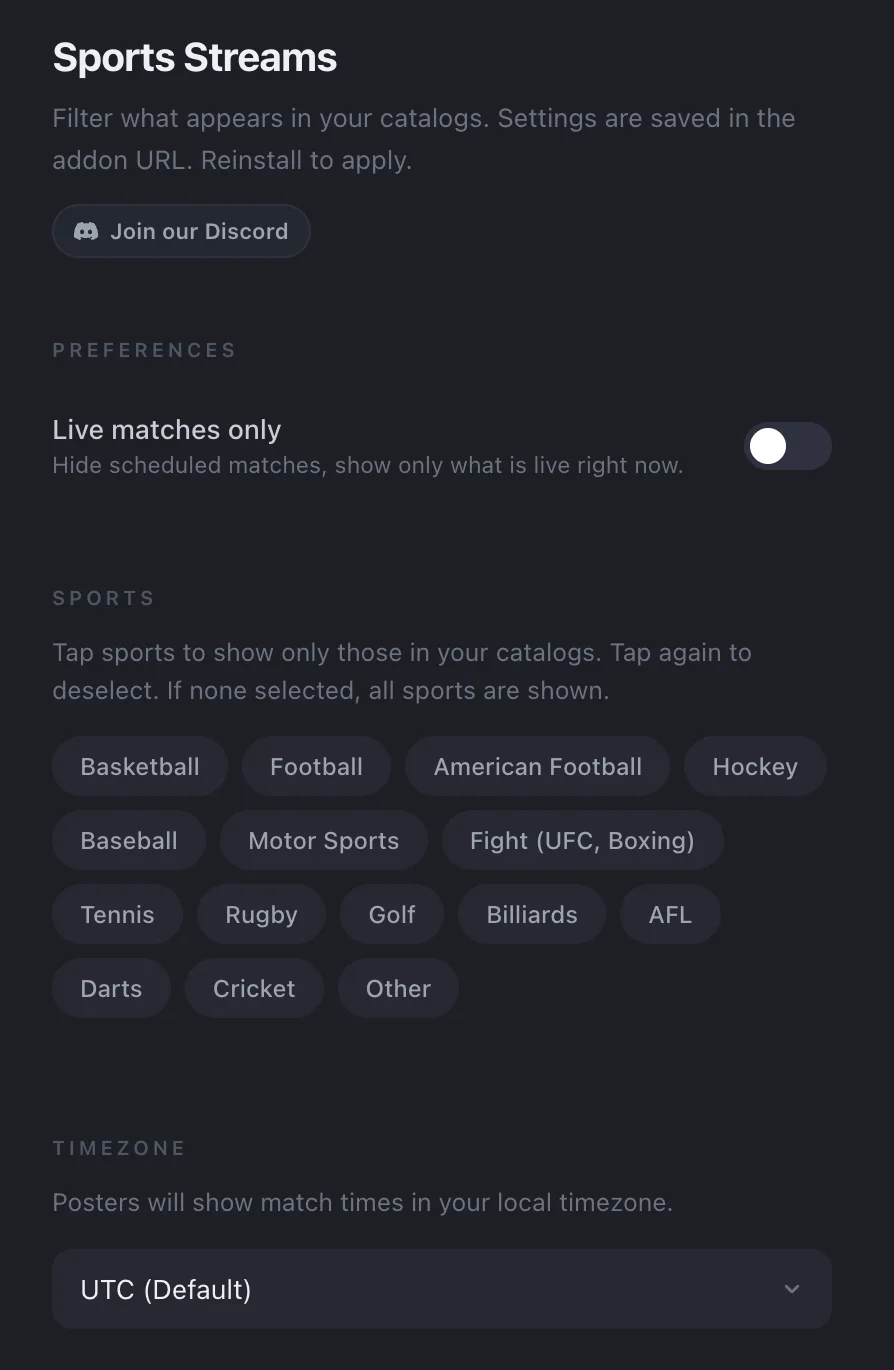
- Once you have chosen your config simply select Install in Stremio
- You can see your streams directly at the bottom of your homepage but the best way is to go into the Discover tab
- Once in discover select the Movie dropdown and select Sports
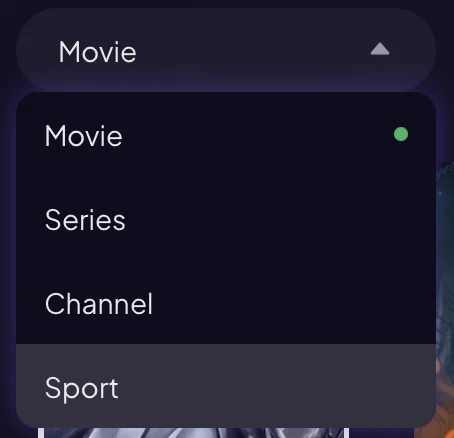
- Then select any of the options from the next Dropdown box
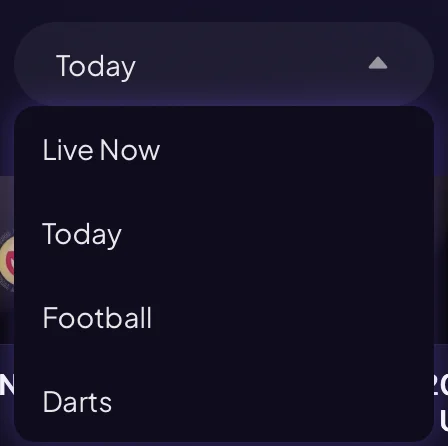
- Once you have chosen an event you want just selet one of the streams. As mentioned it is advisable to have VLC installed on your device as it always seems to switch to VLC as won't play in EXO (can be found in all device app stores or from the VLC website)
Legal Disclaimer: This tutorial is purely educational. Seo-Michael.co.uk doesn’t own, host, operate, resell, or distribute any streaming apps, addons, websites, IPTV or services. The page contains some unverified services, and we are not certain whether they hold legal licenses to distribute the content. Seo-Michael.co.uk does not verify the legality of each app/service in all regions. Do your due diligence if you use any of the unverified apps/services, and stream only content that is available in the public domain. The end-user shall be solely responsible for the media accessed.