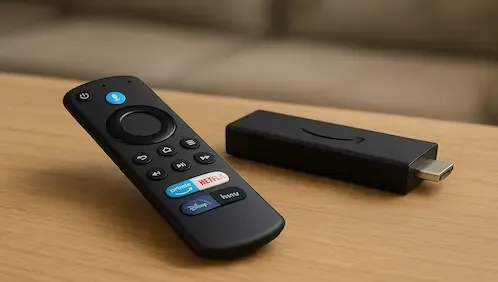
ANIME APP FOR FIRESTICK
ALL APKS ARE RUN THROUGH VIRUSTOTAL SO ARE CHECKED TO ENSURE THEY ARE SAFE BEFORE INSTALLING
THIS GUIDE USES DOWNLOADER. IF YOU DO NOT HAVE DOWNLOADER INSTALLED PLEASE USE THIS GUIDE FIRST
- Protect your browsing data with a verified no-logs VPN
- Encrypt your connection to any Wi-Fi network
- Securely access streaming services & live sports
- 30 Days Money Back Guarantee
Use the link below to find good deals from IPVanish.

How to Install Kuro on Firestick
- Launch your Firestick
- Open Downloader
- Use your remote to click the Enter a URL or Search Term: section
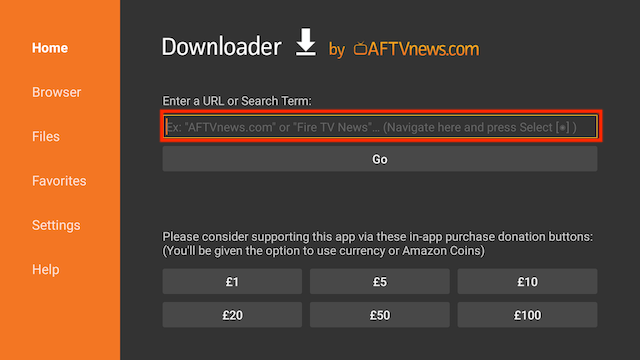
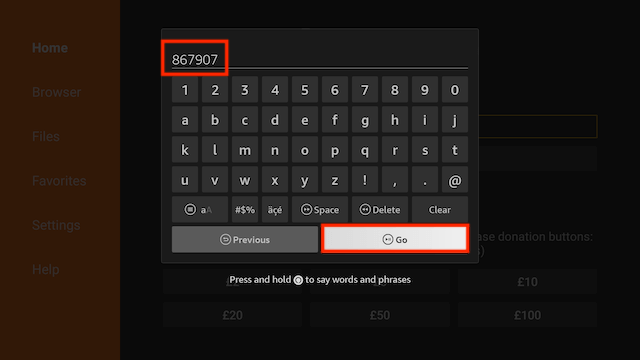
- Enter the following code
867907and then click Go
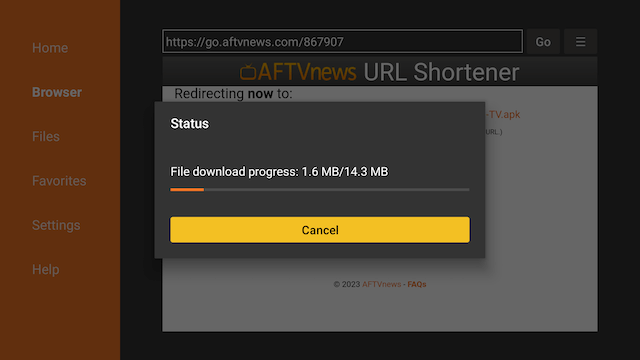
- The file will start to download
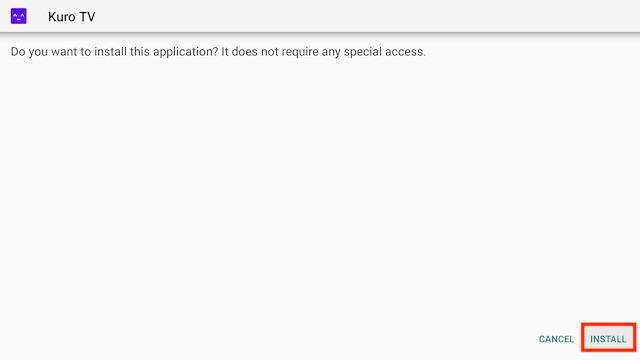
- You will be asked if you want to install it. Select INSTALL
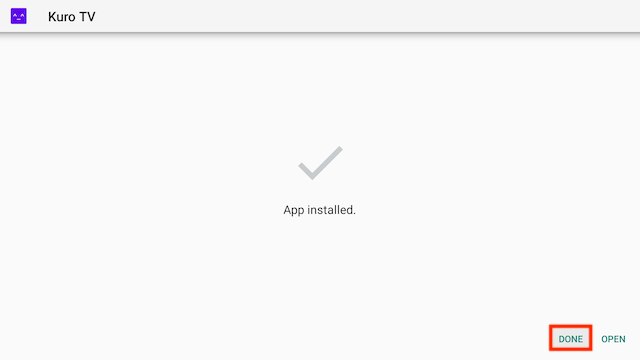
- Select Done after installation. We are going to delete the installation file to save space on your stick
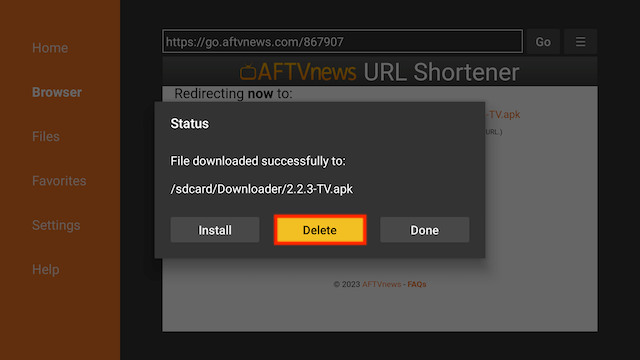
- Select Delete
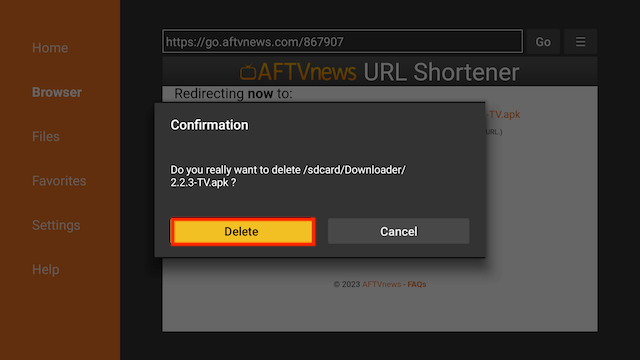
- Select Delete again
- Go back to your Fire Stick home screen select the APPS section
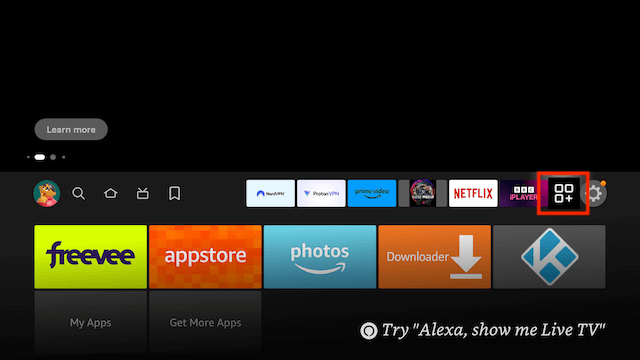
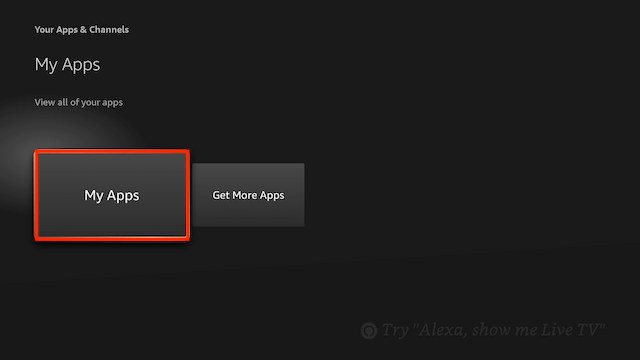
- Select My Apps
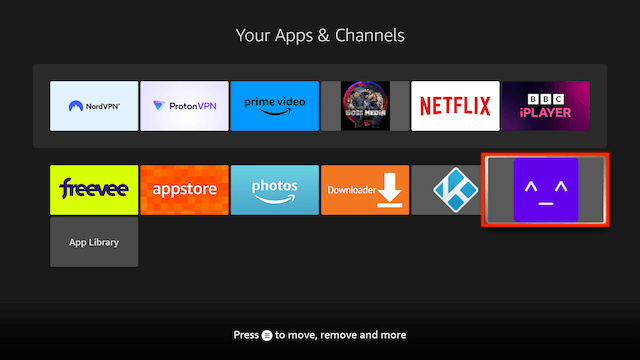
- Kuro will be located at the end
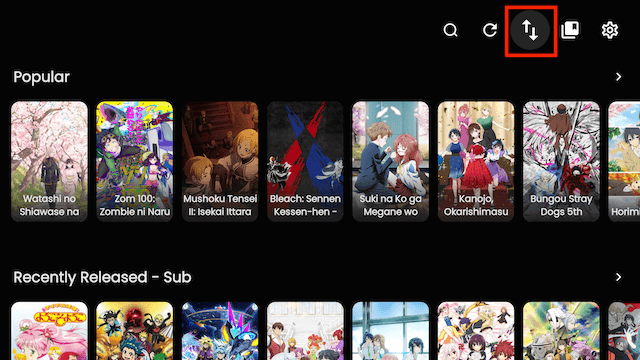
- If the screen is empty when you first open just click on the two arrows top right to change source
- Protect your browsing data with a verified no-logs VPN
- Encrypt your connection to any Wi-Fi network
- Securely access streaming services & live sports
- 30 Days Money Back Guarantee
Use the link below to find good deals from IPVanish.
More Downloader Codes can be found here
Legal Disclaimer: This tutorial is purely educational. Seo-Michael.co.uk doesn’t own, host, operate, resell, or distribute any streaming apps, addons, websites, IPTV or services. The page contains some unverified services, and we are not certain whether they hold legal licenses to distribute the content. Seo-Michael.co.uk does not verify the legality of each app/service in all regions. Do your due diligence if you use any of the unverified apps/services, and stream only content that is available in the public domain. The end-user shall be solely responsible for the media accessed.
