
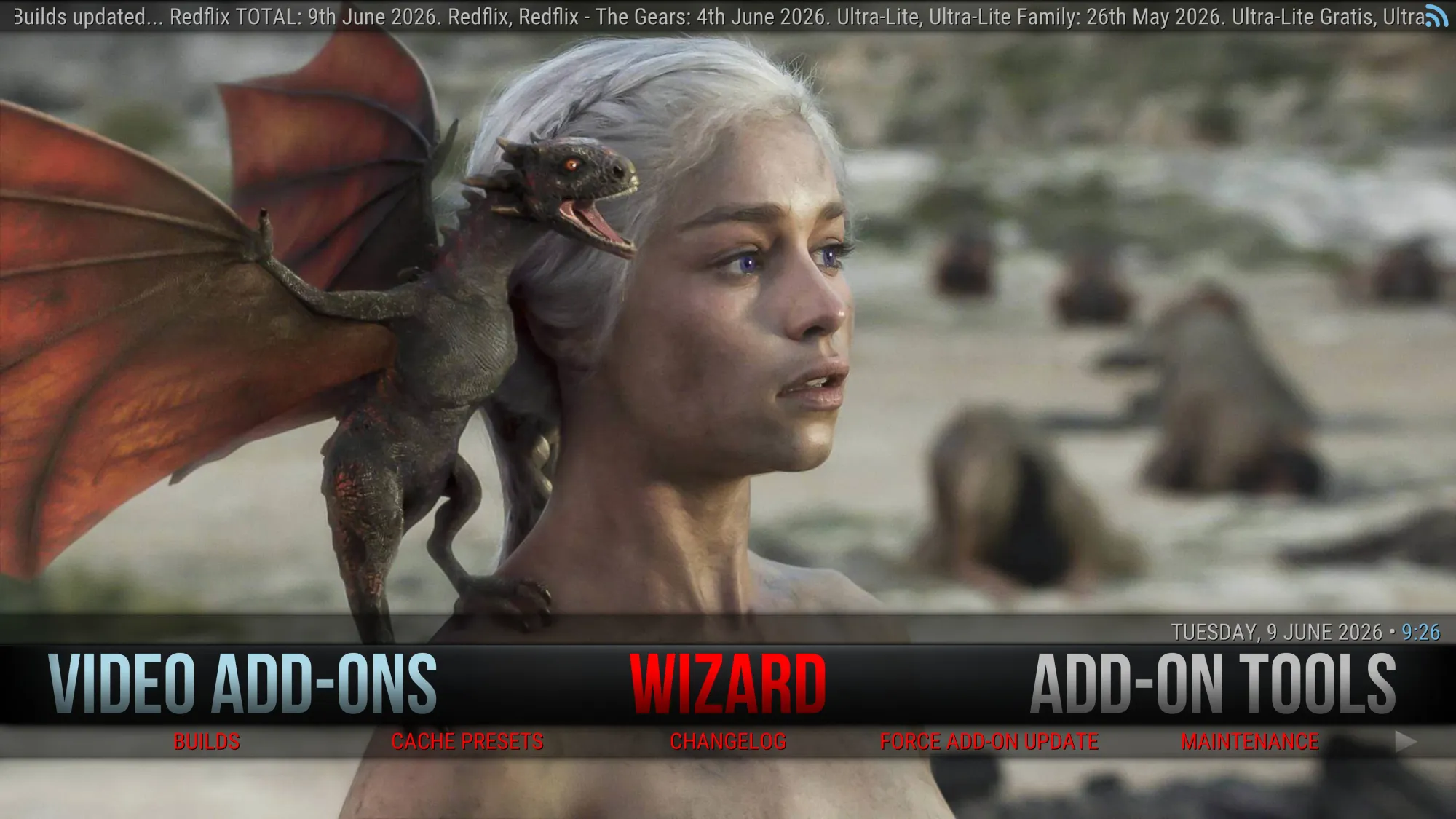
This is a build from the Red Repo. No revoking of Trakt or TMDb keys, no 3rd party app blocking, no politics, no drama. Their Telegram groups can be found here & here. This is a friendly group for all add-ons/builds from their repo.
Some sections will require a [TorBox account] or a [Debrid account] but not necessary for some.
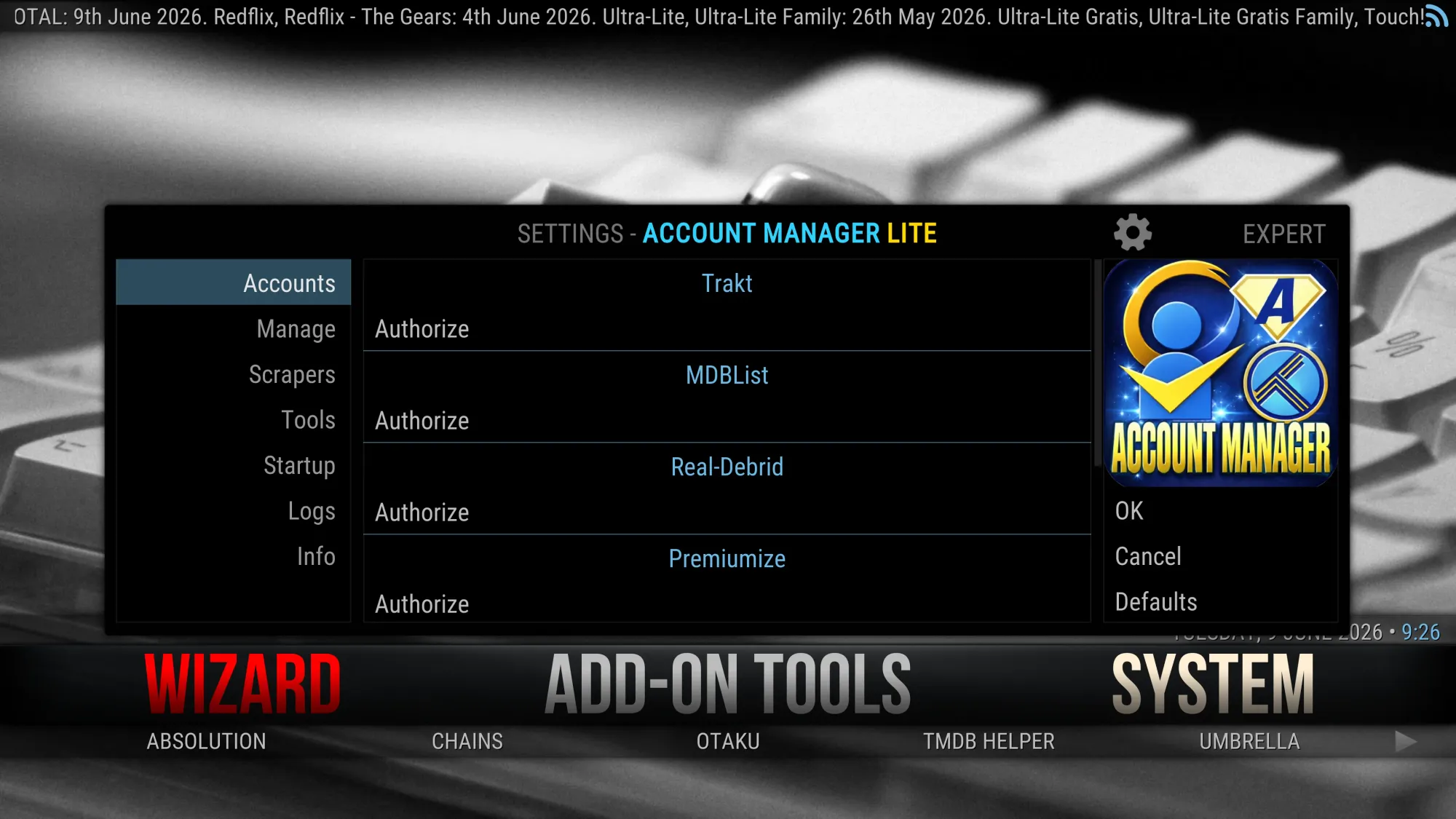
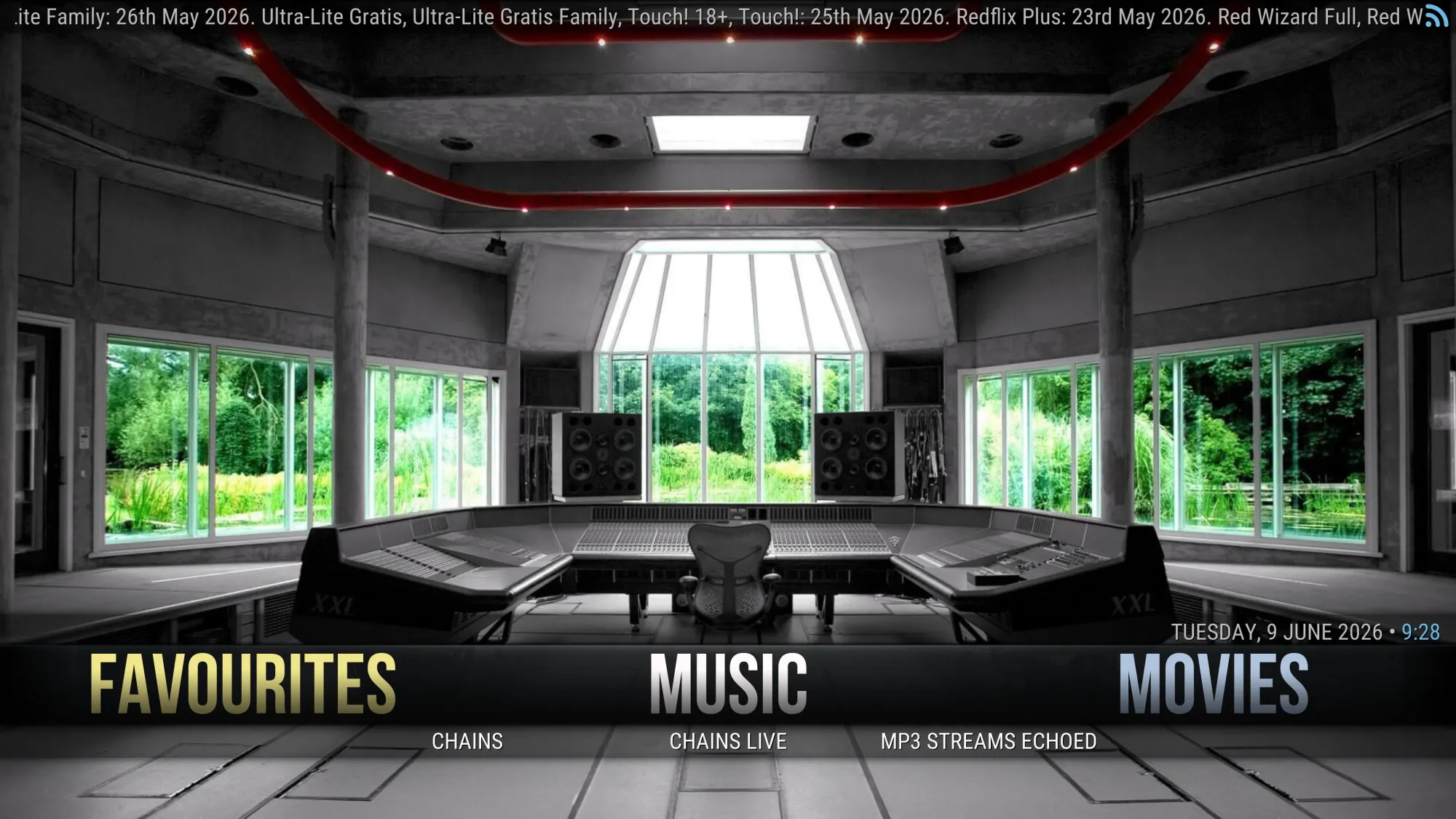
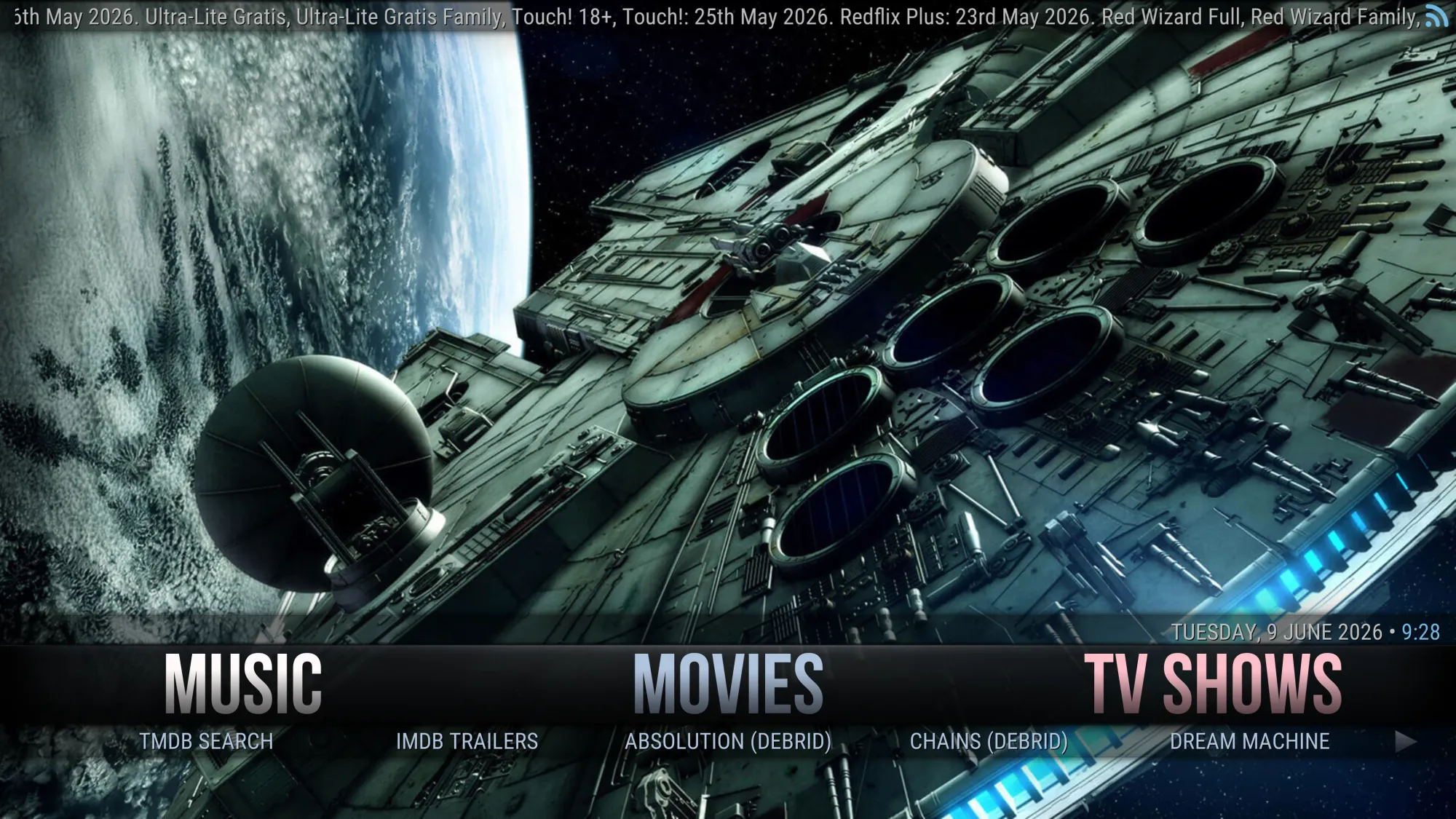
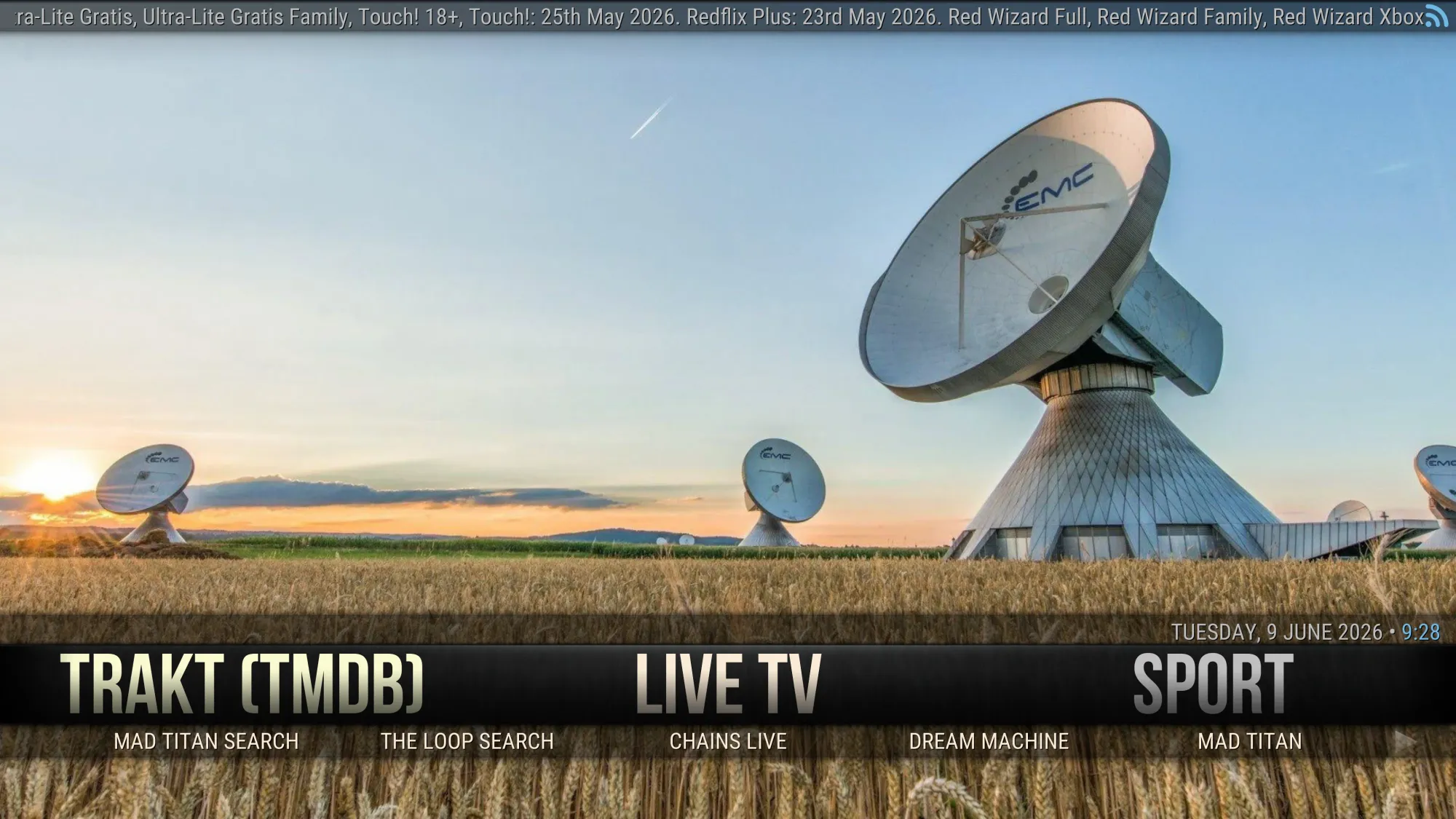
Content Sections include content from: Chains Live, Mad Titan, Dream Machine, Absolution, Umbrella, The Loop. Has Trakt section for integrating your Trakt account.
VPN Offers from IPVanish
[Use the link below] to find good deals from IPVanish.

If you are installing an add-on/build for the first time or installing on a fresh install of Kodi you need to turn on Unknown Sources instructions follow this paragraph. If you have already turned it on then just [Jump to the guide]
- Open Kodi
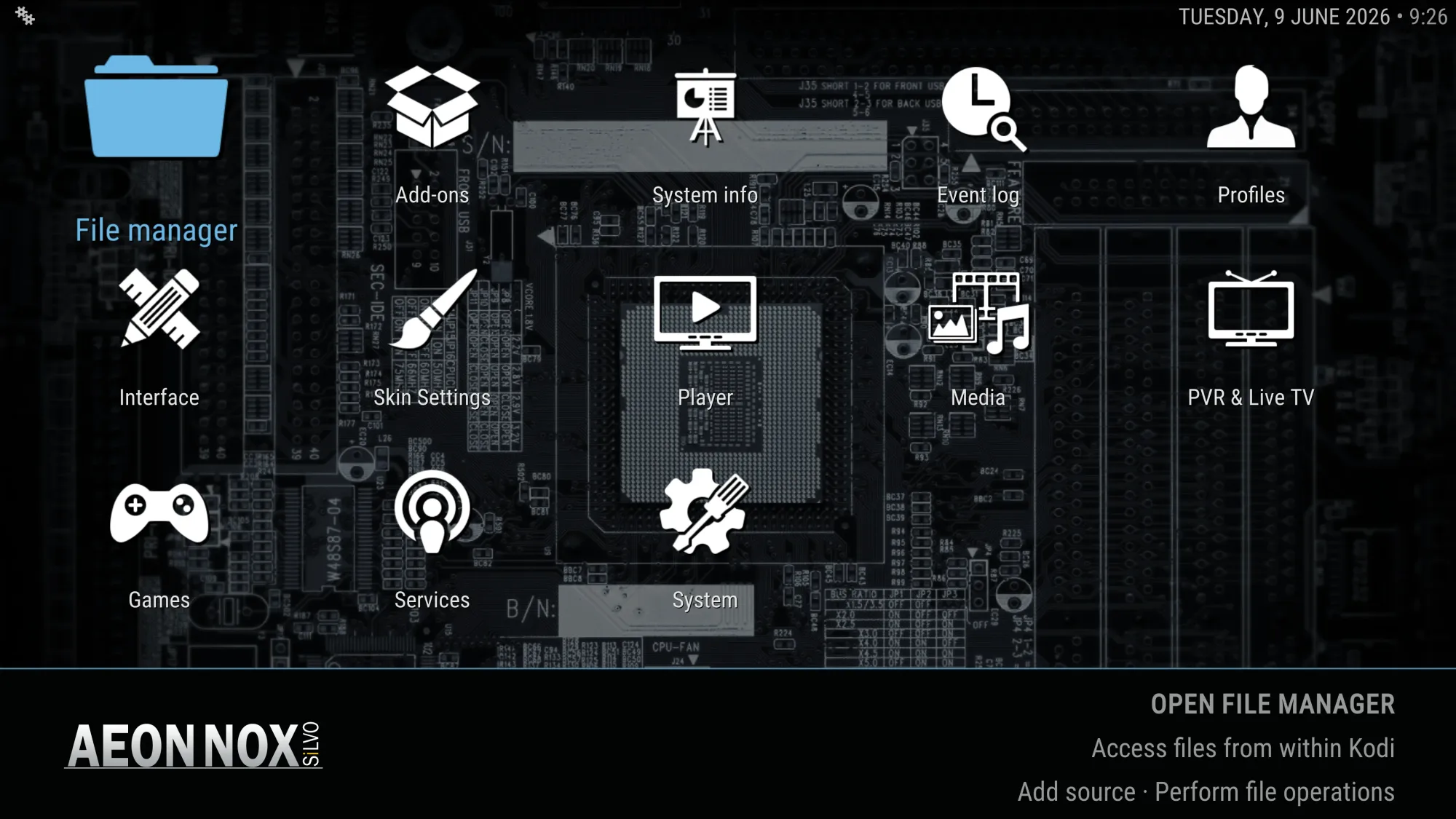
- Select Settings (cog icon top left)

- Select System
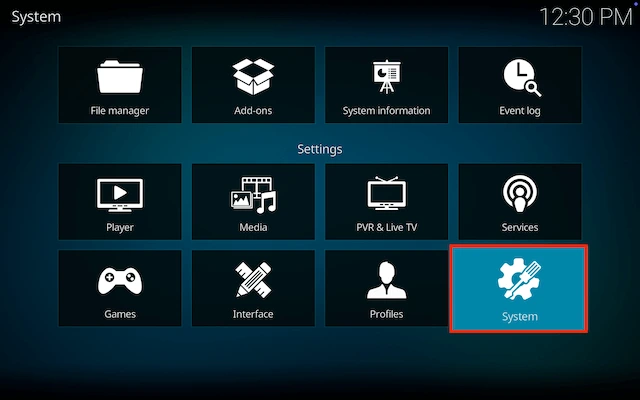
- Scroll down to Add-ons and move to the right and click on Unknown sources

- You will see a popup warning about giving access. Click Yes
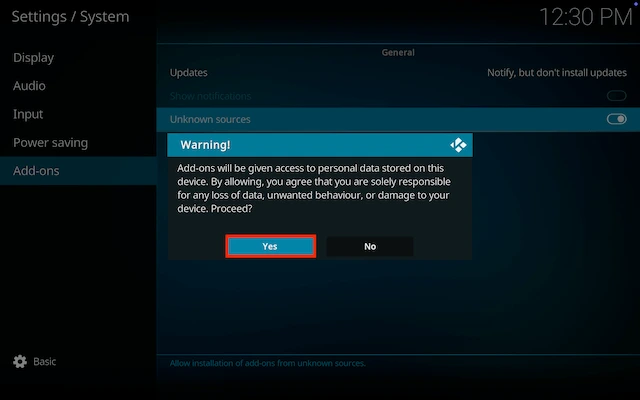
- Now go back and click on Updates
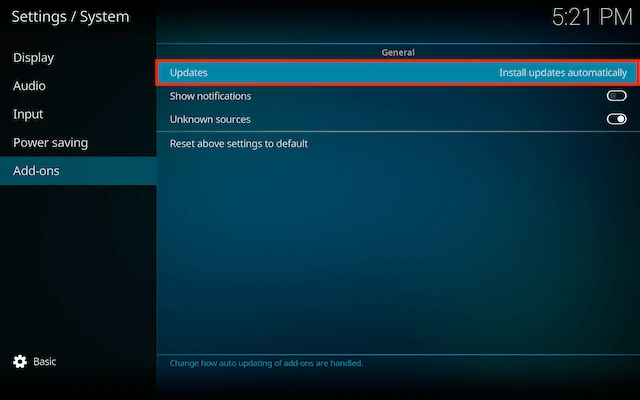
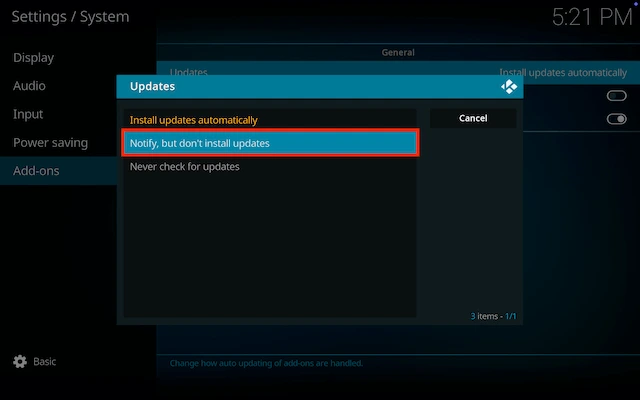
- Change Install updates automatically to Notify, but don`t install updates (this means you can see when updates are available and update the ones you want)
How to Install Red Wizard Live Build on Kodi for Firestick or Android Device:
- Go to the Kodi home screen & select Settings (cog icon top left)
- Select File Manager
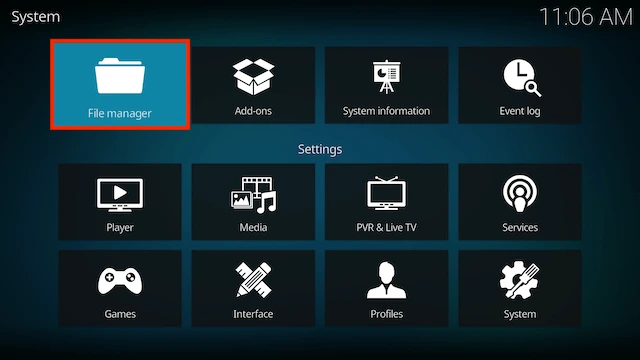
- Select Add Source

- Select None

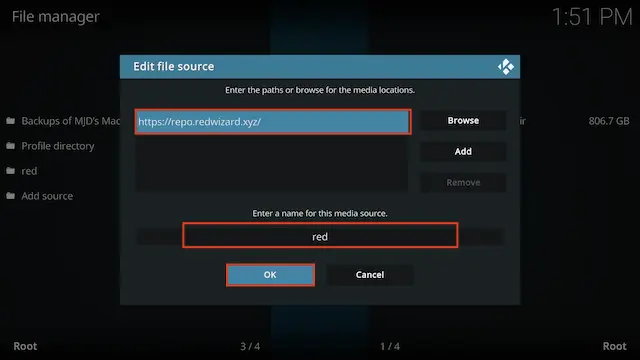
- Type the following EXACTLY
https://repo.redwizard.xyzand then highlight the box underneath marked Enter a name for this media source, type red then click OK
- Click back on your remote/keyboard
- Select Add-ons

- Select Install from zip file

- Select red (or whatever you named it)
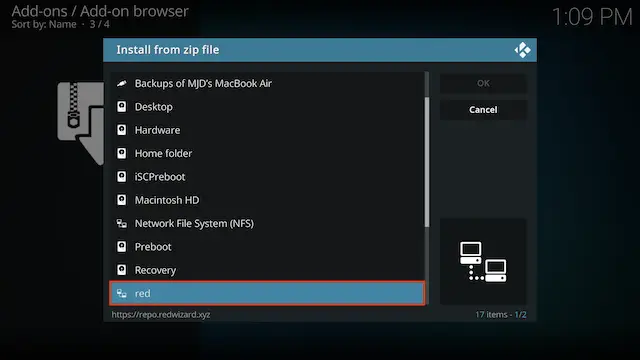
- Select plugin.program.theredwizard-x.x.x.zip
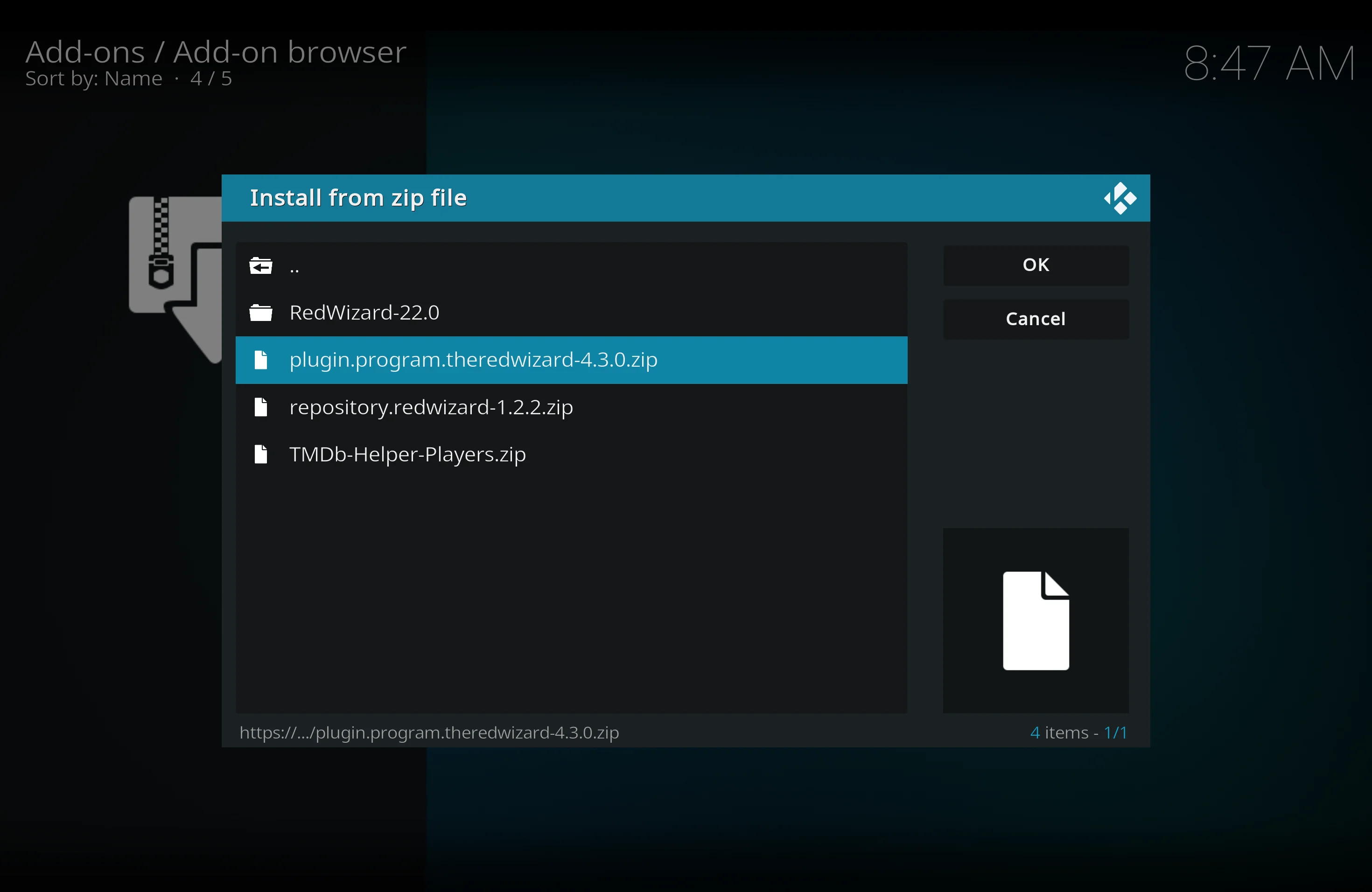
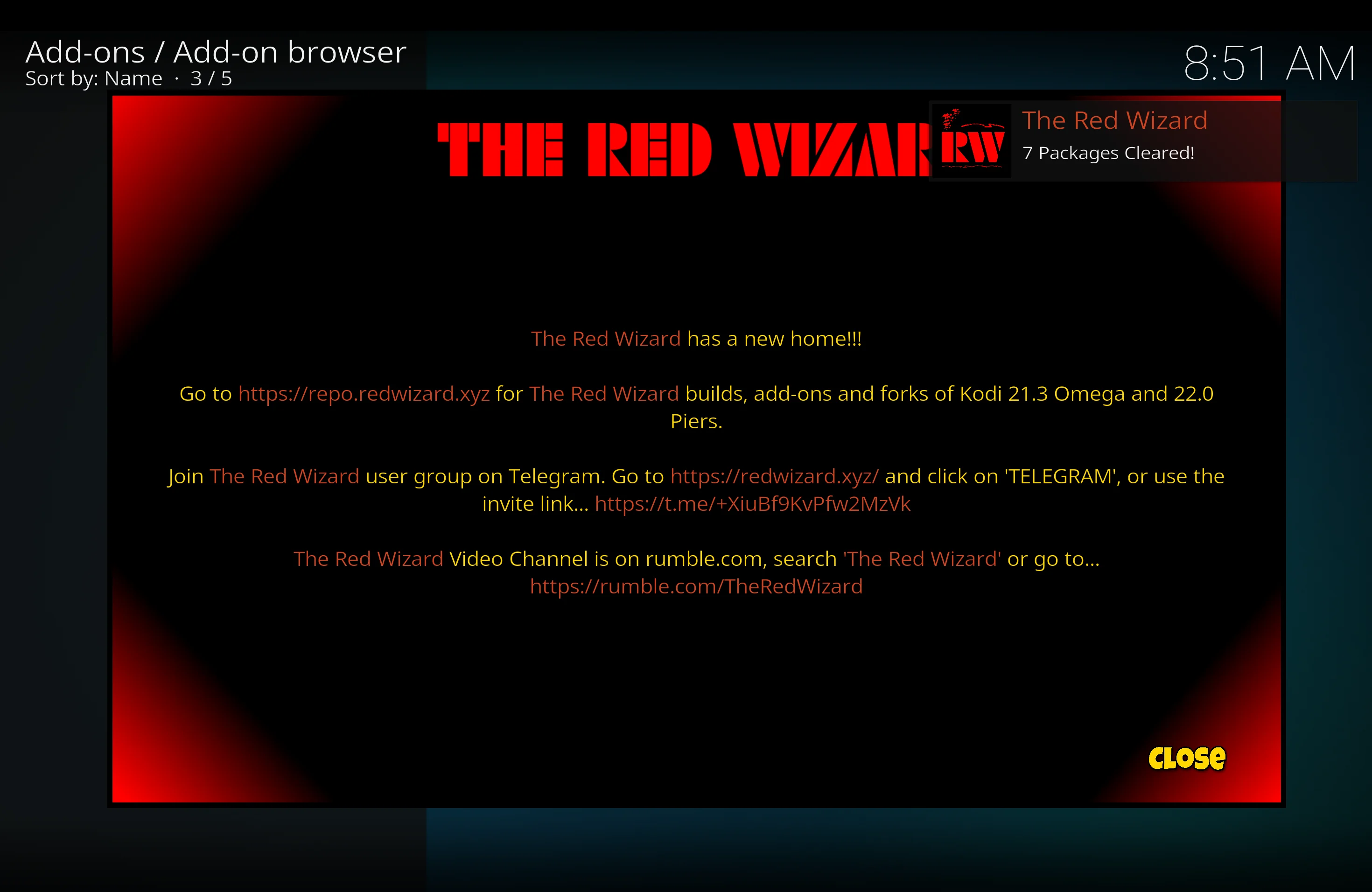
- Wait for the Add-on enabled notification (can sometimes take a minute or two)
- A popup will appear just click Close
- Click Yes when asked if you would like to install a build from the Red Wizard
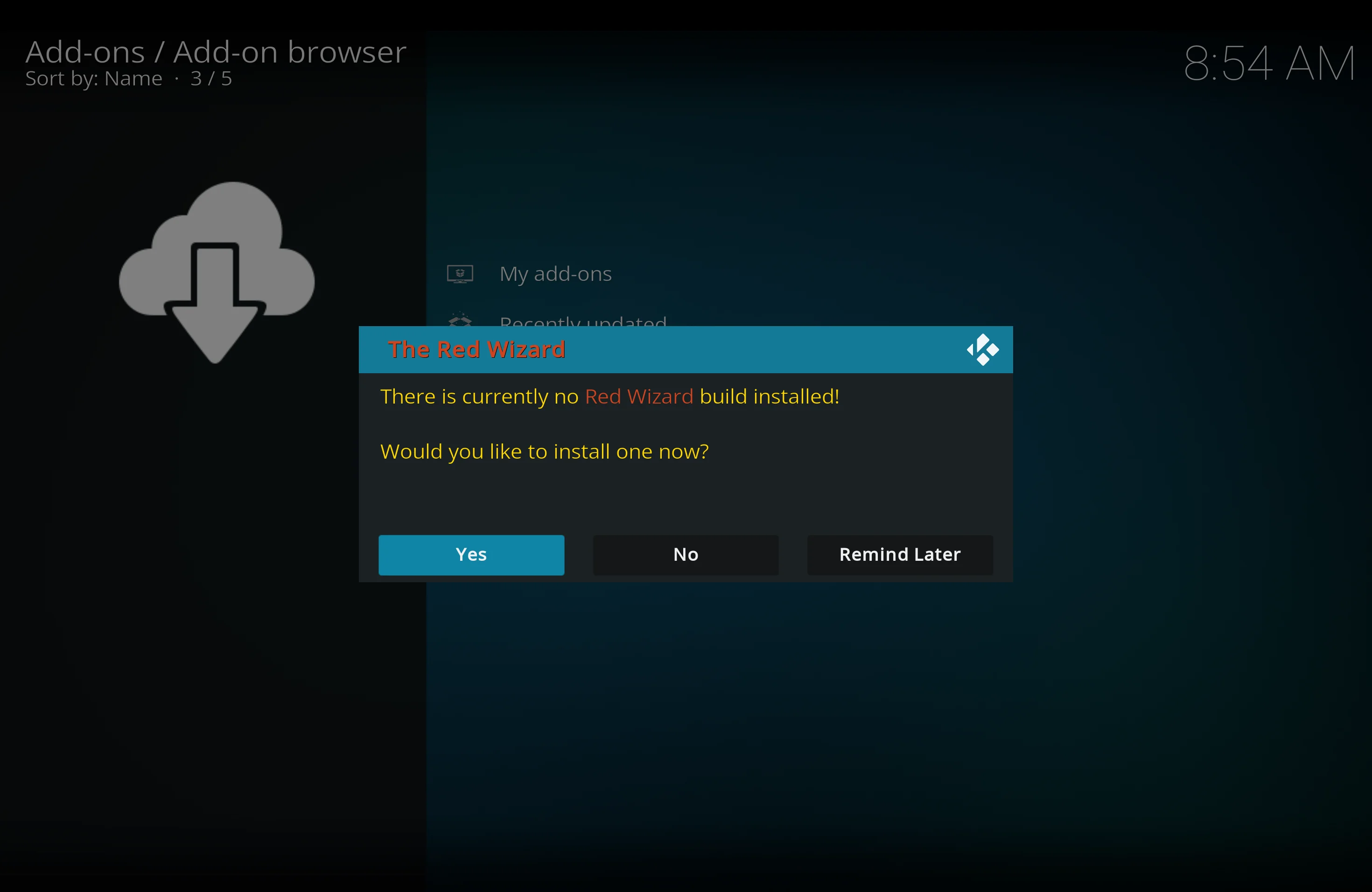
- You will now see the list of builds available in The Red Wizard
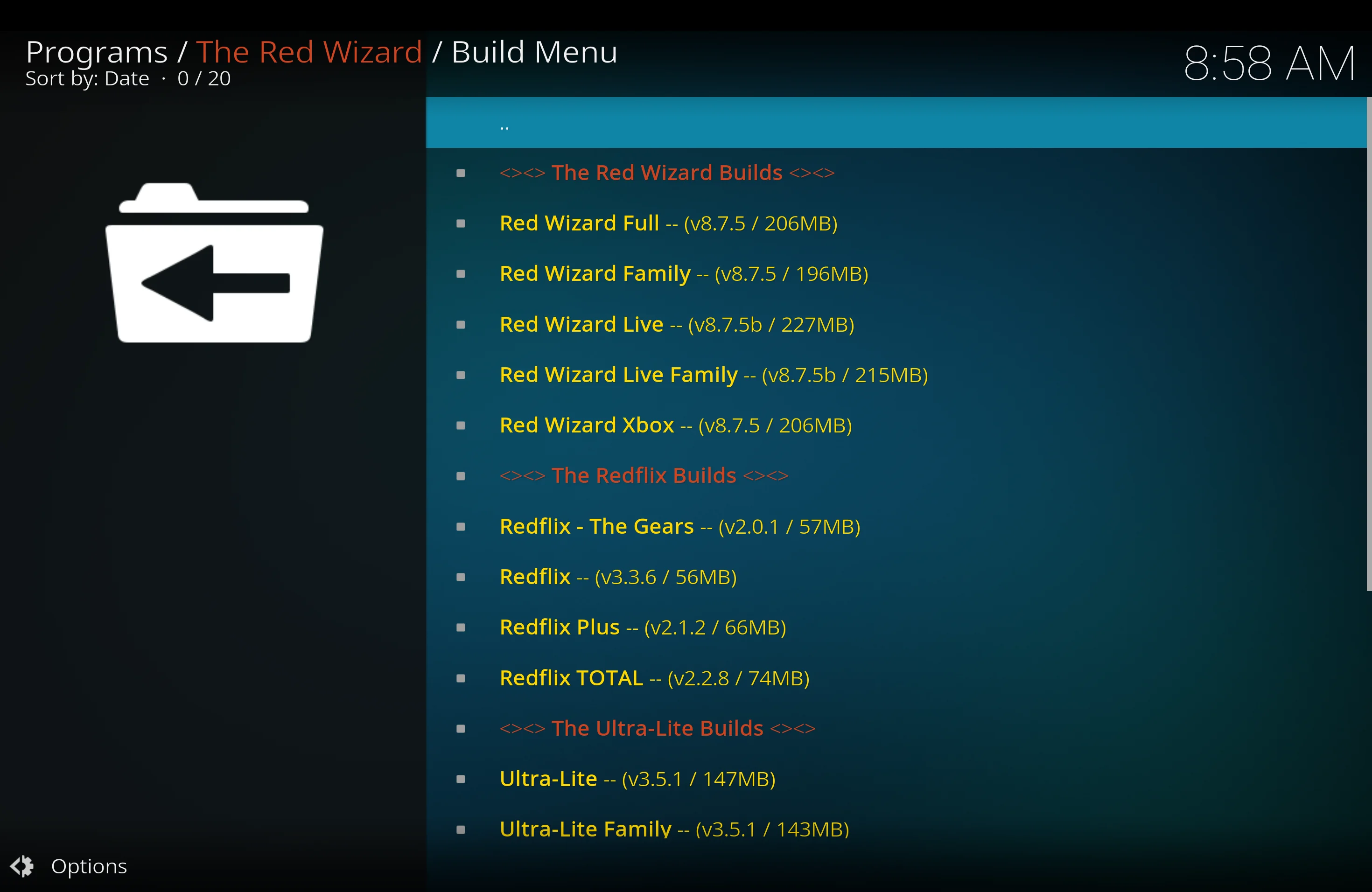
- Scroll down and select Red Wizard Live
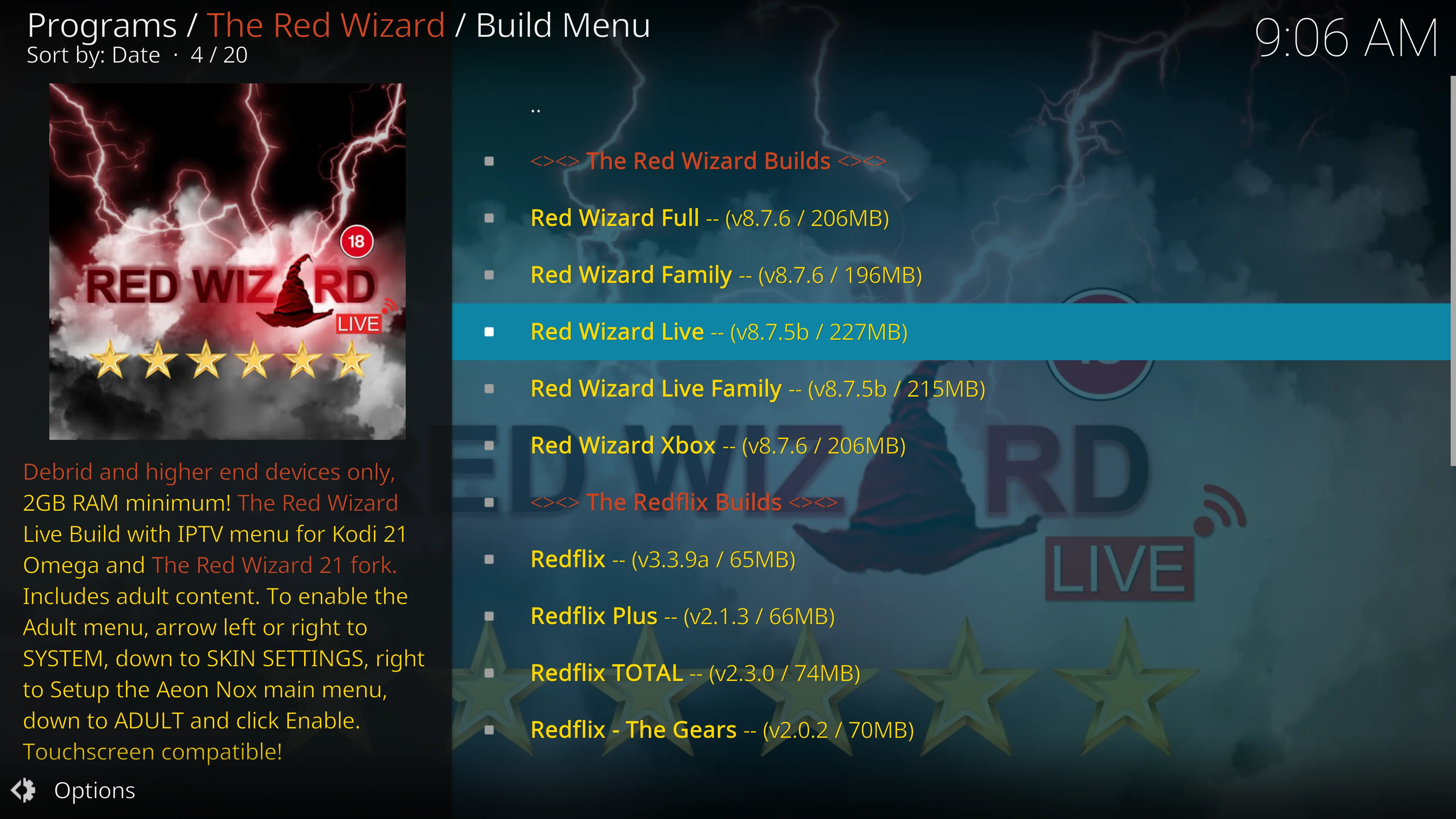
- Select Continue
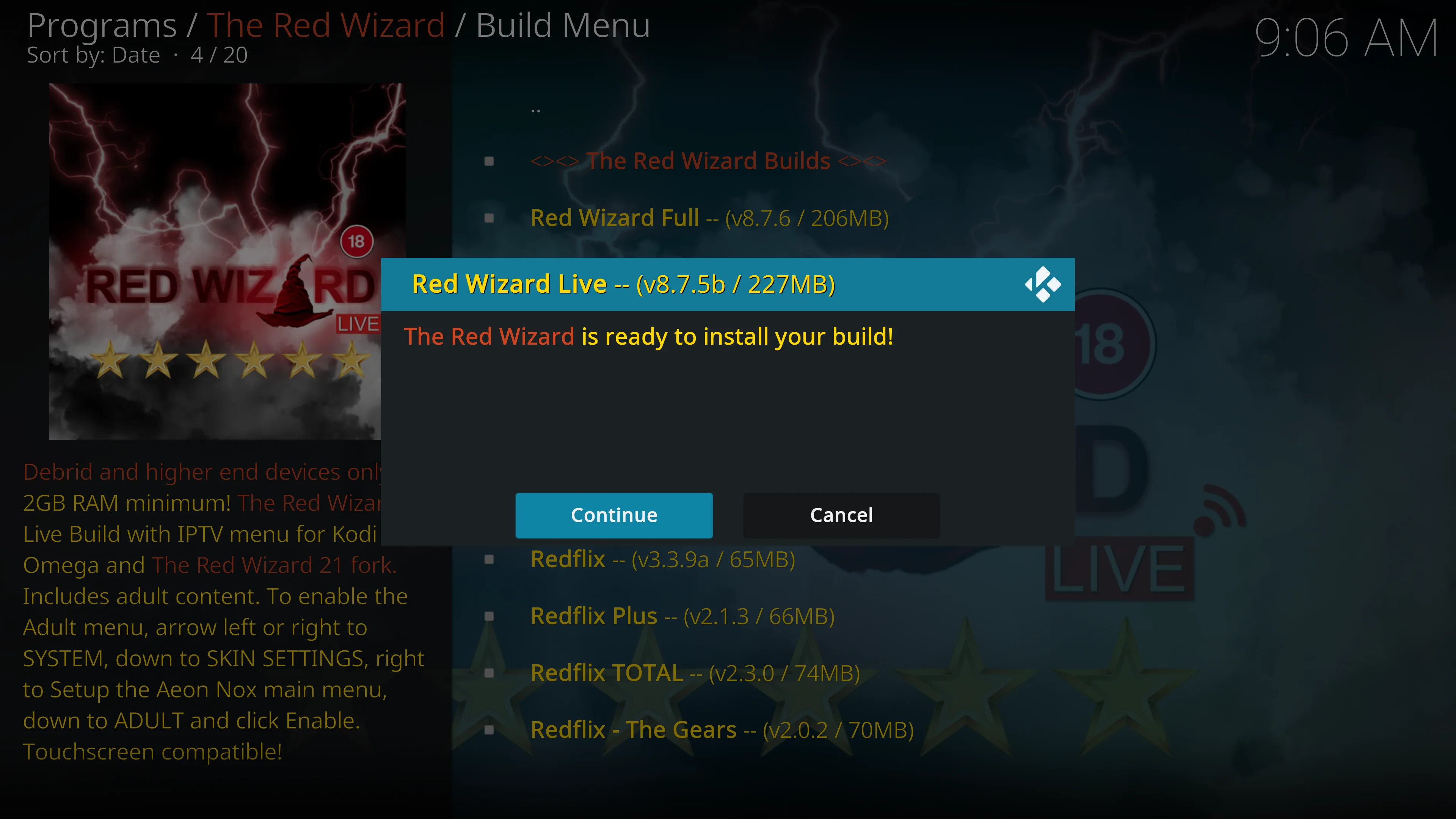
- The build will now install
- It will probably close itself when installed. Just reopen and leave for a minute or two to allow updates to complete
Legal Disclaimer: This tutorial is purely educational. Seo-Michael.co.uk doesn’t own, host, operate, resell, or distribute any streaming apps, addons, websites, IPTV or services. The page contains some unverified services, and we are not certain whether they hold legal licenses to distribute the content. Seo-Michael.co.uk does not verify the legality of each app/service in all regions. Do your due diligence if you use any of the unverified apps/services, and stream only content that is available in the public domain. The end-user shall be solely responsible for the media accessed.