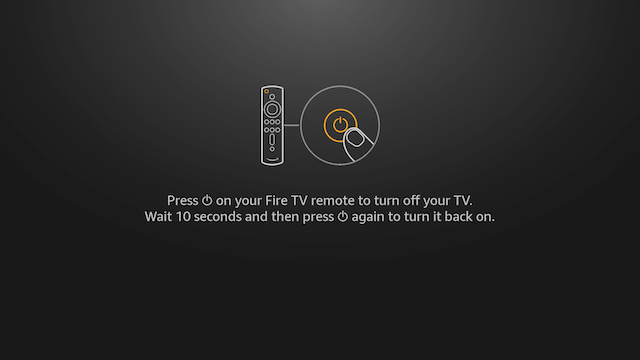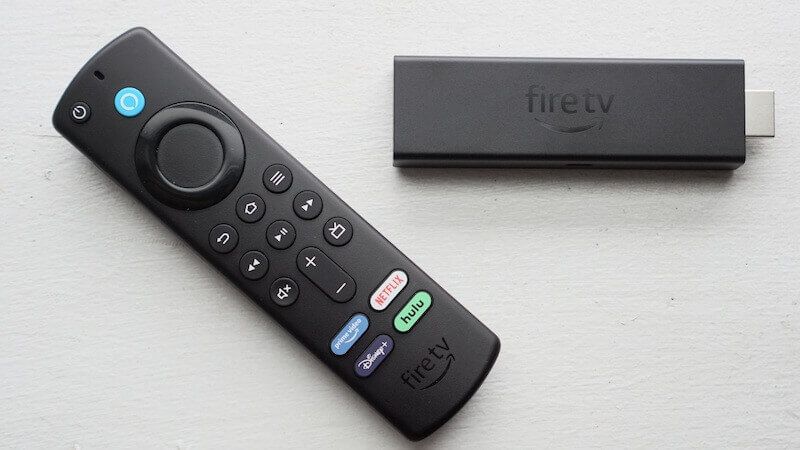
Below is a guide for pairing your Fire TV remote with your TV. This will allow you to control the volume and turn your TV off/on using the Fire remote.
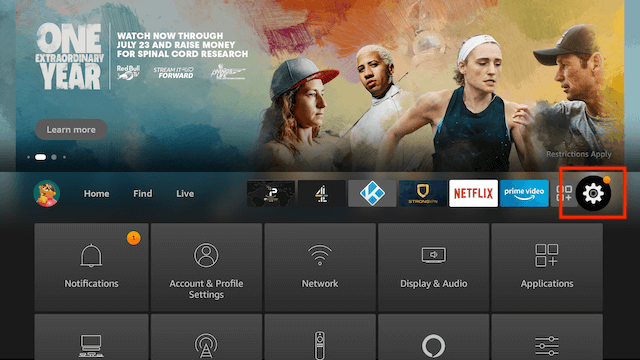
- From your home screen select Settings
- Using your remote scroll down and select Equipment Control
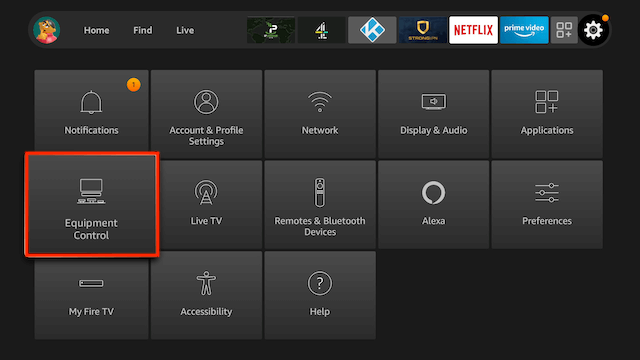
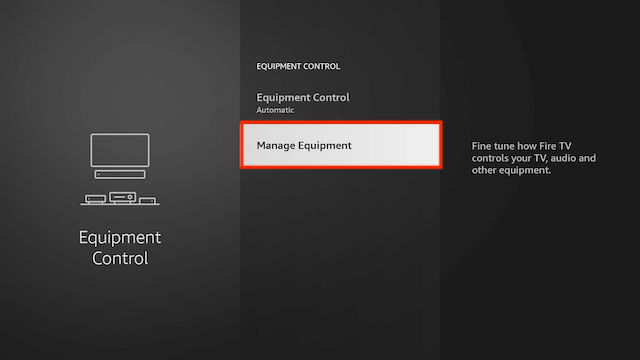
- Select Manage Equipment
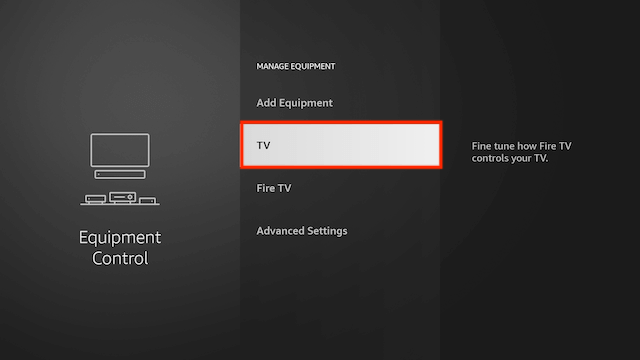
- Select TV
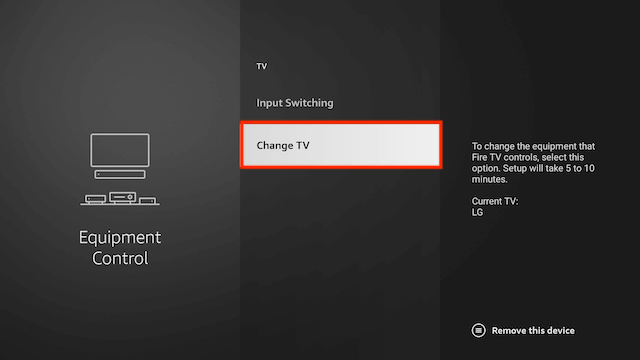
- Select Change TV
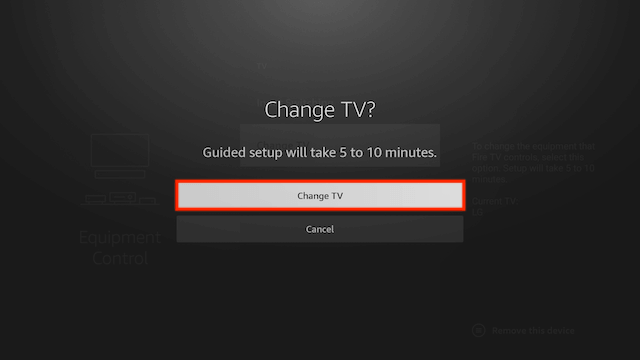
- Select Change TV
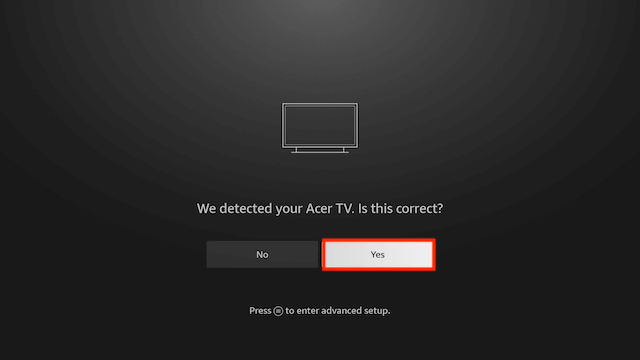
- When it has found the make of your TV select Yes
- If asked press the power button on your remote and your remote should now be paired